|
Hi there!
Let us make a wild guess…
You have more than one device you browse with.
We have got you covered.
Whether you’re browsing the web on your PC, laptop, tablet, phone, or even in your car (!), you can transition between screens seamlessly with Vivaldi’s end-to-end encrypted Sync.
Just use your Vivaldi account to log in to the browser to synchronize your bookmarks, passwords, open tabs, notes, and more.
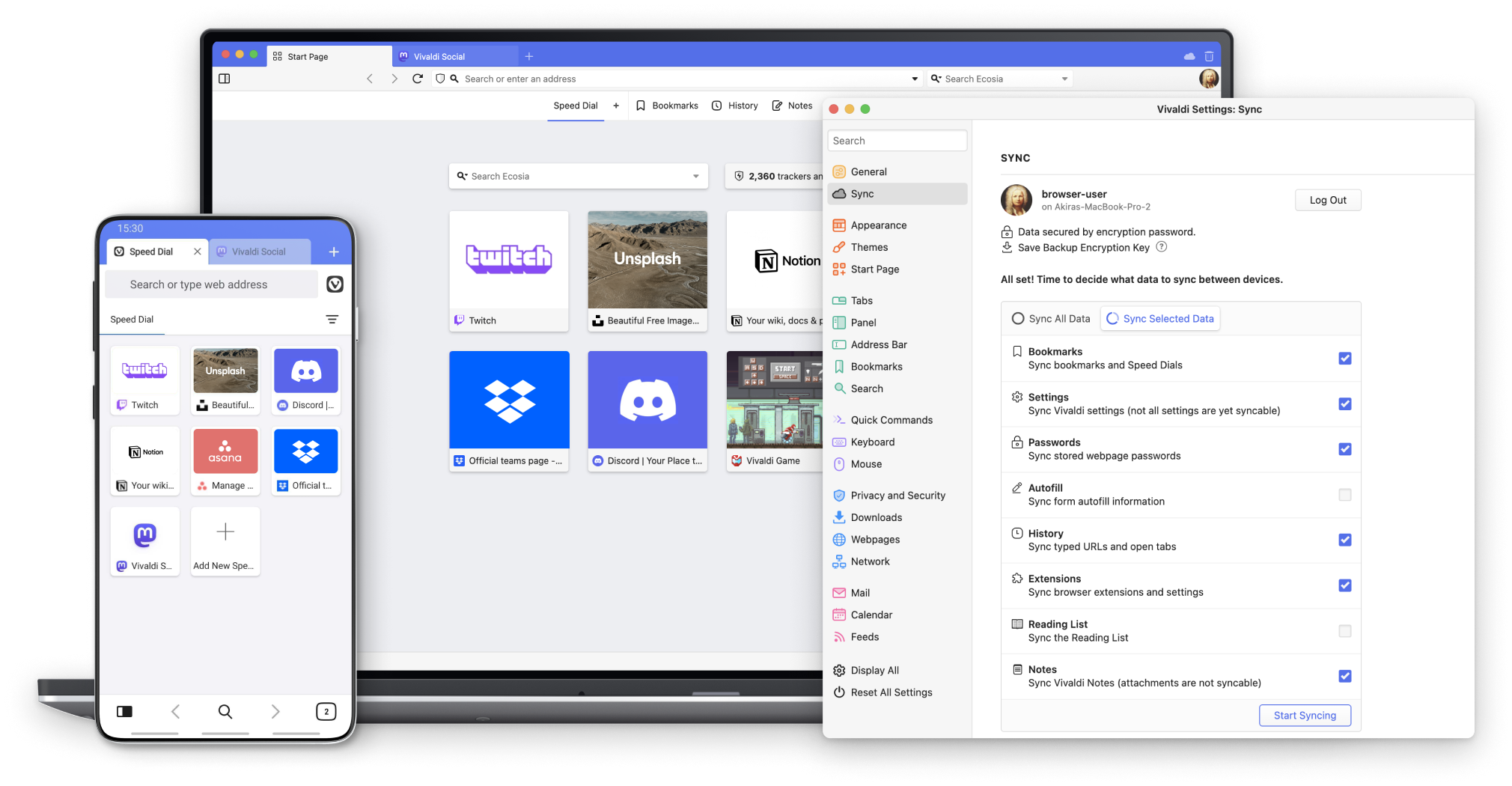
On first login, you’ll be asked to set an encryption password for your synced browser data. Make sure to set a strong password for your data and save it in a secure location. We have no way of knowing what the encryption password is and losing it can result in data loss.
To minimize risks, you can also download a Backup Encryption Key. It’s a small file, that can be used to decrypt your data in case you’ve forgotten the Encryption Password.
All the best,
Team Vivaldi
|
