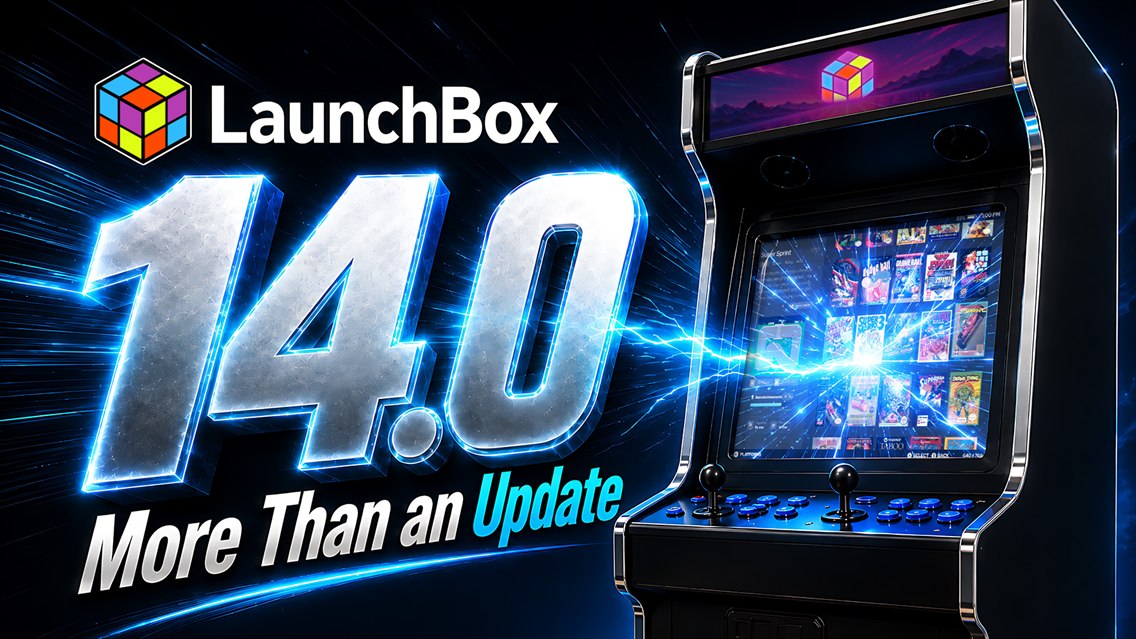
LaunchBox 14.0: More Than an Update
#outlook a { padding:0; }
body { margin:0;padding:0;-webkit-text-size-adjust:100%;-ms-text-size-adjust:100%; }
table, td { border-collapse:collapse;mso-table-lspace:0pt;mso-table-rspace:0pt; }
img { border:0;height:auto;line-height:100%; outline:none;text-decoration:none;-ms-interpolation-mode:bicubic; }
p { display:block;margin:13px 0; }
96
.mj-outlook-group-fix { width:100% !important; }
@import url(https://fonts.googleapis.com/css2?family=Montserrat:wght@400;500;600;700;800&display=swap);
@media only screen and (min-width:480px) {
.mj-column-per-55 { width:55% !important; max-width: 55%; }
.mj-column-per-45 { width:45% !important; max-width: 45%; }
.mj-column-per-100 { width:100% !important; max-width: 100%; }
.mj-column-per-50 { width:50% !important; max-width: 50%; }
}
.moz-text-html .mj-column-per-55 { width:55% !important; max-width: 55%; }
.moz-text-html .mj-column-per-45 { width:45% !important; max-width: 45%; }
.moz-text-html .mj-column-per-100 { width:100% !important; max-width: 100%; }
.moz-text-html .mj-column-per-50 { width:50% !important; max-width: 50%; }
@media only screen and (max-width:479px) {
table.mj-full-width-mobile { width: 100% !important; }
td.mj-full-width-mobile { width: auto !important; }
}
@media only screen and (max-width: 480px) {
.mobile-center div { text-align: center !important; }
.mobile-pad { padding-left: 20px !important; padding-right: 20px !important; }
.feature-card-column > table > tbody > tr > td {
padding-left: 0 !important;
padding-right: 0 !important;
}
}
LaunchBox Reader, faster lists and grids, Big Box Filter / Sort, and a new media engine. Here's what's new in 14.0.
LaunchBox
VERSION 14.0 · WINDOWS
More Than an Update
One of Our Biggest Updates Yet
This release started life as 13.28, but the scope grew far beyond a typical update. The new LaunchBox Reader, major performance work in LaunchBox and Big Box, an overhauled media layer, and deep changes to how the app starts and stops all add up to the same thing: there is barely a corner of LaunchBox this release did not touch. That is why it is no longer 13.28.
This is LaunchBox 14.0.
READ THE RELEASE POST
LaunchBox Reader
Your manuals finally have a home
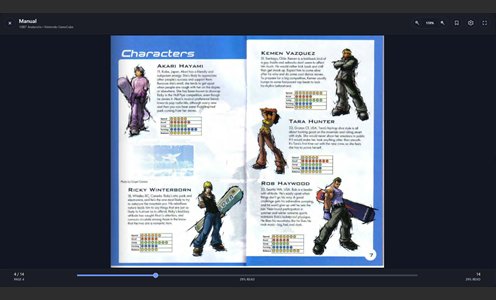
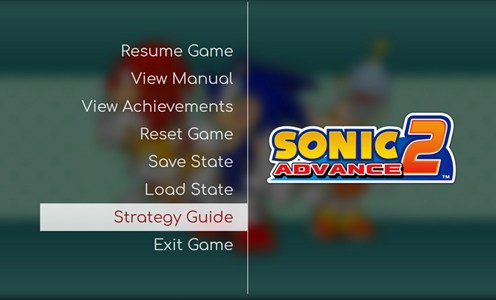
A built-in reader for manuals, strategy guides, magazines, PDFs, and EPUBs. Open documents from LaunchBox or Big Box and read with realistic page turns, custom layouts, and bookmarks.
SEE WHAT'S NEW
Performance
Faster lists, smoother grids
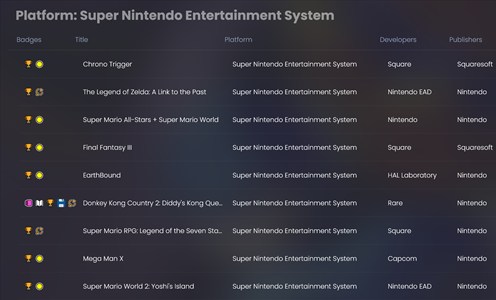
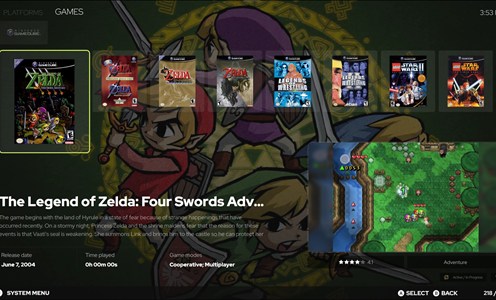
A reworked List View and a rebuilt default Image Grid keep large libraries fast, even while scrolling hard. Both are fully themeable, and a new Arrange By scrollbar jumps between groups.
SEE WHAT'S NEW
Premium 3D Cases
Two new case models for your shelf
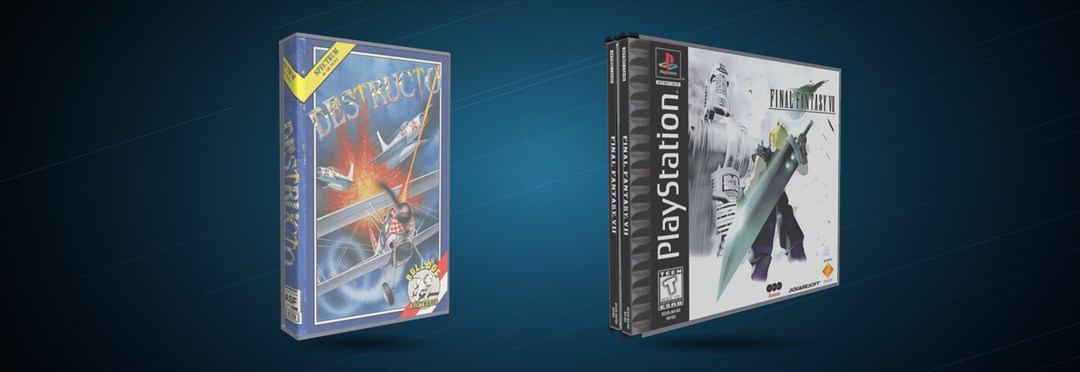
The 3D Double Jewel Case brings automatic spine handling and dual-spine options, while the new 3D Cassette Case adds straight-back, angled-back, and clear-case styles, portrait and landscape positioning, custom plastic and cover colors, and J-card spine artwork. 3D browsing is smoother across the app too, with better drag handling, steadier carousel navigation, and improved multi-monitor behavior.
SEE WHAT'S NEW
LAUNCHBOX PREMIUM
There's even more waiting for you.
Big Box, premium themes, controller automation, and much more. Your library deserves the full experience.
UPGRADE NOW
Big Box
Filter and sort from the couch
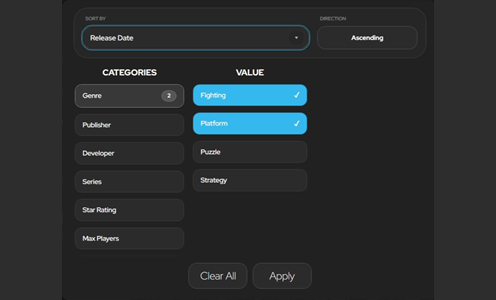
One of the longest-standing Big Box requests is here. The new Filter / Sort experience is fully controller-friendly, with sort options like star rating and a redesigned, themeable popup.
SEE WHAT'S NEW
Game Extras
Applications, Versions, Documents
Additional Applications now split into clear groups, so setup tools, regional versions, ROM hacks, manuals, and guides all live where they belong, and are easier to reach.
SEE WHAT'S NEW
Media Playback
A new LaunchBox Media Engine
Video and audio now run through a cleaner, isolated media layer, meaning smoother previews, fewer interruptions, and better stability. Startup videos were rewritten and now run inside Big Box.
SEE WHAT'S NEW
Startup and Shutdown
No more guessing what's happening
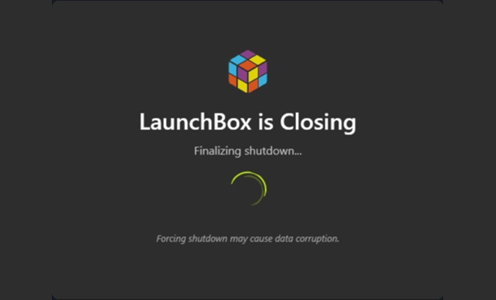
A revamped startup window explains each step, and a new shutdown window shows what is closing, with a force-close option if it hangs. Shutdown Applications close your helper apps too.
SEE WHAT'S NEW
Also in this release
Options are searchable
Search settings by name or related terms instead of clicking through every page, with a new Ctrl+, shortcut to open Options and a Default Image Group setting for the whole interface.
More emulator choice during imports
When more than one supported emulator applies to a platform, ROM imports now let you pick which one LaunchBox installs and configures.
Multiple installs, side by side
Separate LaunchBox installs can now be detected and run independently without blocking each other, which is ideal for test builds, portable setups, and experimental libraries.
More fixes and improvements
Snappier Game Details and Related Games, faster context menus and managers, controller fallback and phantom navigation fixes, and more accurate play session history tracking.
FULL CHANGELOG
It has been a while since we bumped our version number, but the amount of polish and change that went into this one earned it. Thanks as always to everyone testing, reporting, and suggesting through our longest beta cycle yet.
Happy gaming!
The LaunchBox Team
Facebook
·
Instagram
·
TikTok
·
YouTube
·
Reddit
·
Discord
·
Forums
You're receiving this because you're part of the LaunchBox community.
Unsubscribe from LaunchBox Updates
·
Privacy Policy